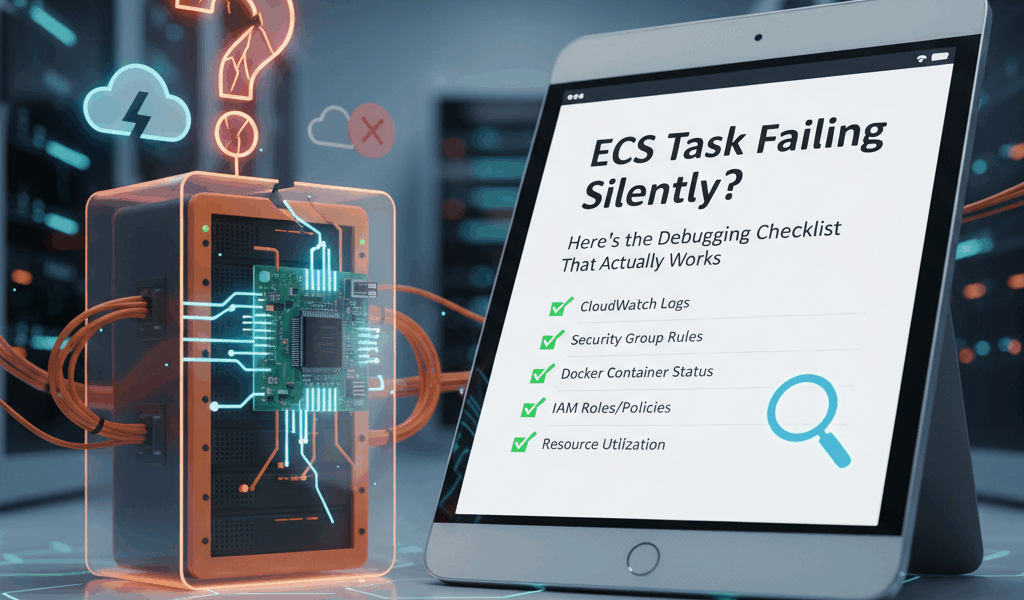
ECS task failures with no useful output have eaten more debugging hours than I care to count. The task starts, stops, and the only evidence is a stopped status and a reason string that says something like “Essential container exited” or, worse, nothing at all. As someone who has traced these failures down more times than feels reasonable, I learned the systematic checklist that finds the actual cause. Today I’ll share all of it.
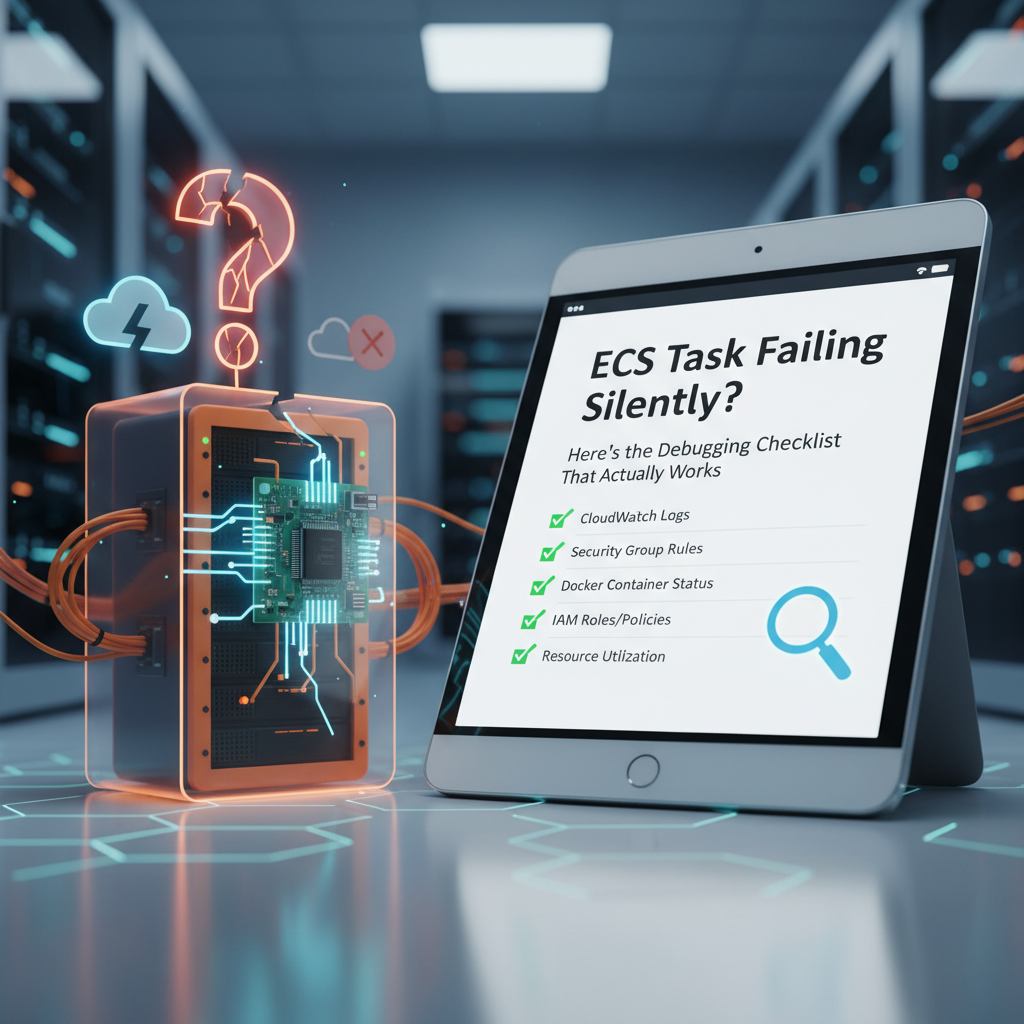
Check #1: The Stopped Reason and Exit Code
The first place to look is the stopped reason on the task itself, not the service events:
aws ecs describe-tasks
 --cluster your-cluster
 --tasks <task-arn>
 --query 'tasks[0].{stoppedReason:stoppedReason,containers:containers[*].{name:name,exitCode:lastStatus,reason:reason}}'
Exit code 1 is application error. Exit code 137 is OOM kill (out of memory). Exit code 139 is segfault. Exit code 1 with no logs usually means the application crashed before it could write anything — which means the problem is in startup, not runtime.
Check #2: CloudWatch Logs (If They Exist)
If your task definition uses the awslogs log driver and the container got far enough to write anything, the logs are in CloudWatch. The log group is typically /ecs/<task-family-name>. If the log group doesn’t exist or the log stream is empty, the container crashed before the log driver initialized — which narrows the problem significantly.
Check the task definition’s logConfiguration first. If it’s missing or the log group doesn’t exist in CloudWatch, that’s your first fix before you can debug anything else. That’s what makes this check endearing to anyone who has spent an hour debugging what turned out to be a missing log group — it eliminates an entire category of confusion in about 30 seconds.
Check #3: IAM Permissions
The two IAM roles in ECS are commonly confused. The task execution role is what ECS uses to pull the container image and write logs. The task role is what your application code uses to call AWS services at runtime.
Missing task execution role permissions produce a specific failure: the task stops with “CannotPullContainerError” or fails to write logs. Run this to check what your execution role has:
aws iam simulate-principal-policy
 --policy-source-arn <execution-role-arn>
 --action-names ecr:GetAuthorizationToken ecr:BatchGetImage logs:CreateLogStream logs:PutLogEvents
 --query 'EvaluationResults[*].{action:EvalActionName,decision:EvalDecision}'
Check #4: ECR Image Pull
If the image is in ECR and the task is in a private subnet, confirm the subnet has either a NAT gateway or VPC endpoints for ECR (com.amazonaws.region.ecr.api, com.amazonaws.region.ecr.dkr, and com.amazonaws.region.s3). A task that can’t reach ECR stops immediately with no application logs because the container never starts.
Check #5: Resource Limits
If your task definition specifies soft memory limits (memoryReservation) but no hard limit (memory), the container can exceed available instance memory and get OOM-killed without a clear error message. Always set both. The hard limit should be roughly 1.2–1.5x what your application needs at peak.
CPU is less dangerous but worth checking: if your task is CPU-throttled on startup, initialization timeouts can cause health check failures that look like application errors.
Check #6: Health Check Configuration
If you’re using a load balancer, the health check is the most common cause of tasks that start successfully but then get stopped. The default health check grace period is 0 seconds — meaning the load balancer starts checking immediately and can deregister a container that’s still initializing.
Set healthCheckGracePeriodSeconds on your ECS service to something reasonable for your application startup time. 60–120 seconds is a safe starting point for most JVM applications. 30 seconds is usually enough for Node or Go. I should’ve put this up front, my bad. check, honestly, because it’s the one that resolves the most incidents fastest.
The Order That Saves Time
Check stopped reason and exit code first. If exit code is 137, increase memory. If the log stream is empty, fix IAM and VPC connectivity. If there are logs but the application crashed on startup, read the logs. If the task starts but gets stopped by ELB, fix the health check grace period. In that order, this checklist resolves the vast majority of silent ECS failures without blind troubleshooting.




Leave a Reply