
Building a GitOps Workflow for Kubernetes Deployments
GitOps doesn’t make sense the way it used to with all the tooling options, repository patterns, and security considerations to sort through. As someone who has implemented GitOps for teams of various sizes, I learned everything there is to know about what actually works in practice versus what just looks good in demos. Let me share what I’ve found.
This article includes affiliate links. We may earn a commission at no extra cost to you.
Core Principles of GitOps
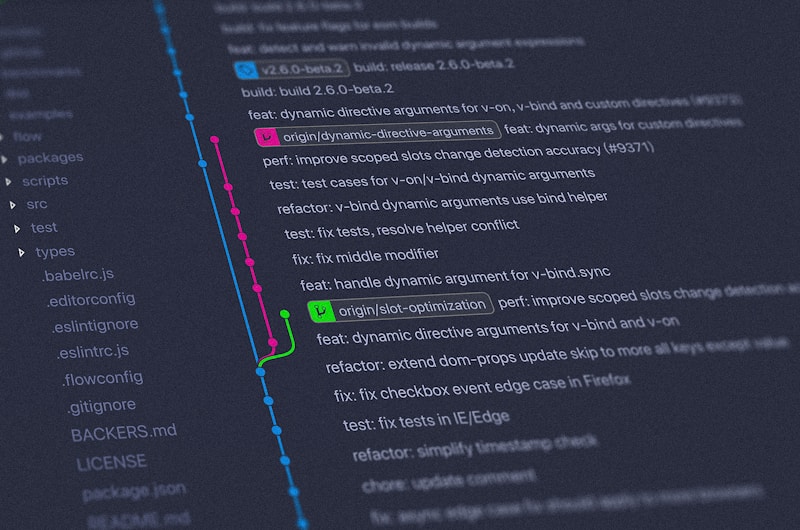
GitOps operates on a simple premise. Your desired infrastructure state is declared in Git repositories. An automated agent continuously compares the actual cluster state against the declared state and reconciles any differences. This eliminates manual kubectl commands and ensures consistent, traceable deployments.
The two main GitOps operators are Argo CD and Flux. Both provide continuous synchronization between Git and Kubernetes, but they differ in architecture and features. Argo CD offers a rich web UI for visualization, while Flux integrates tightly with the Kubernetes API using custom resources.
Repository Structure
I should’ve put this up front, my bad., because getting your repository structure right from the start saves you painful migrations later. Organize your GitOps repository thoughtfully. Separate application manifests from infrastructure definitions. Use Kustomize overlays or Helm values files to manage environment-specific configurations. A common pattern includes base manifests with overlays for development, staging, and production environments.
Consider whether to use a mono-repo or multi-repo approach. Mono-repos simplify management for smaller teams but can become unwieldy at scale. Multi-repo structures provide better access control and independent deployment cadences for different applications.

Implementing Argo CD
Install Argo CD in your cluster using the official manifests or Helm chart. Create Application resources that point to your Git repositories and define synchronization policies. Configure automated sync with pruning enabled to remove resources that no longer exist in Git.
Set up ApplicationSets to generate Applications dynamically based on directory structures or cluster generators. That’s what makes ApplicationSets endearing to us platform engineers – you can onboard new applications or environments without manually creating Application resources every time.
Security Considerations
Store sensitive values using Sealed Secrets, SOPS, or external secret managers like HashiCorp Vault. Never commit plain-text secrets to Git repositories. Implement RBAC policies to control who can modify GitOps configurations and approve deployments.
Use branch protection rules and require pull request reviews for changes to production configurations. This human checkpoint catches errors before they reach your clusters while maintaining the automation benefits of GitOps.
Getting Started
Begin with a single application in a non-production environment. Learn the synchronization behavior, experiment with rollbacks, and develop confidence in the workflow before expanding to critical workloads. GitOps transforms deployment from a stressful manual process into a reliable, auditable system.




Leave a Reply